
Simple Quotes and InvoicesHelpContact supportOpen your dashboard
Help home The client portal How do I invite a client?

How do I invite a client?

Updated 20 Oct 2026 · 1 minute read

Open the client, find the Client portal box and press Send portal invite. They need an email address saved on their profile. You can also tell clients to open the portal address and enter their email.
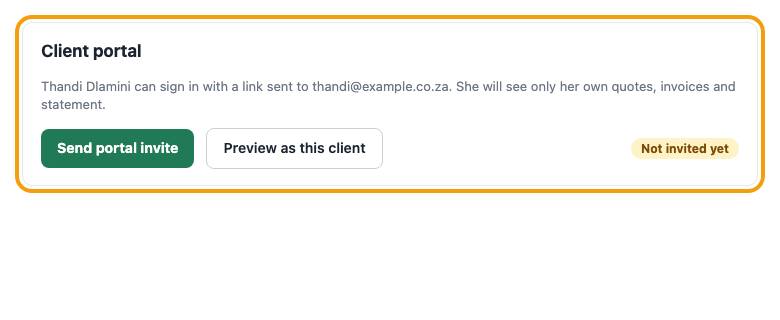
The Client portal box on a client with the Send portal invite button
Figure 1. Example screen. The Client portal box on a client.
Was this article helpful?
Did not find it? Contact support

Related articles